
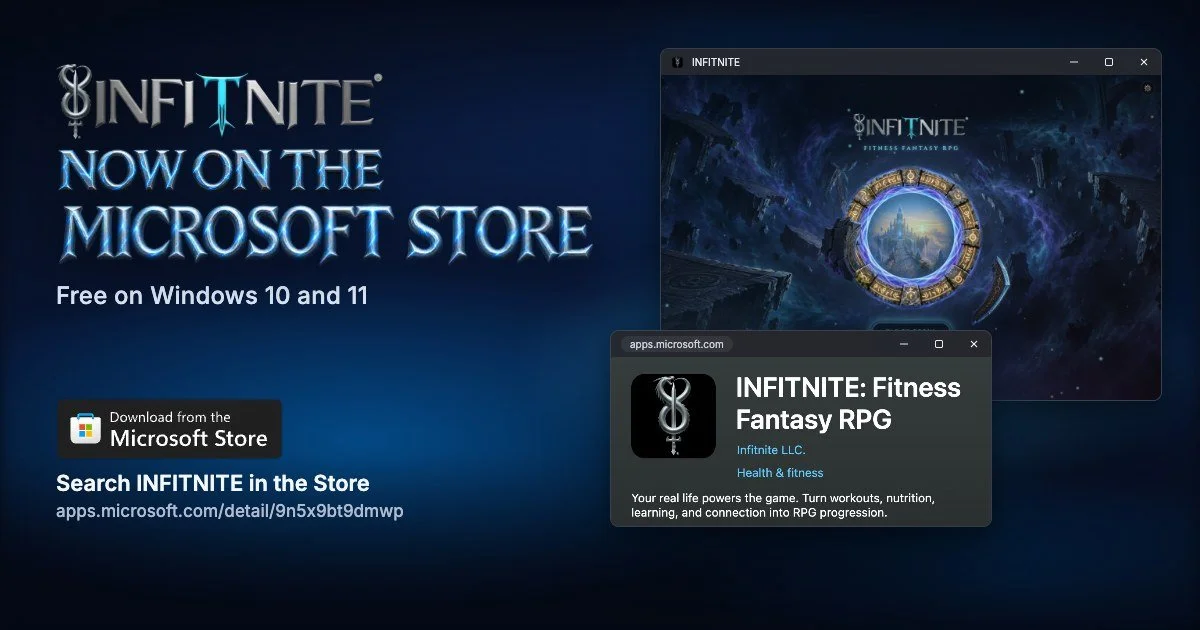
Infitnite plays on a computer as well as a phone. Windows players can get it from the Microsoft Store or from itch.io, and Mac players get it from itch.io. Both cost nothing, and your phone login works on all of them, so your Warrior follows you from phone to computer and back.
Pick a store, install Infitnite, then log in. None of your progress gets lost along the way.
Microsoft Store or itch.io: which one?
Pick the Microsoft Store if you're on Windows and want the simplest setup. The Store app comes with Windows, one button installs Infitnite, and the Store updates it for you (that's on by default). It has versions for regular Windows PCs and for Arm-based Windows laptops.
Pick itch.io if you're on a Mac, or if you'd rather grab an installer yourself. itch.io is a storefront where independent developers share their games. Infitnite's page there has Windows (64-bit), Windows on ARM, and macOS (Intel and Apple silicon) downloads, and no itch.io account is required.
Whichever you choose, you get the one Infitnite. There's no wrong pick.
Install from the Microsoft Store (Windows)
Select Start and open Microsoft Store.
Search Infitnite and open INFITNITE: Fitness Fantasy RPG by Infitnite LLC.
Select Get. The Store downloads and installs it.
Open Infitnite from the Start menu and log in (see below).
Prefer your browser? The listing is at apps.microsoft.com/detail/9n5x9bt9dmwp. On that page, Download saves an installer from Microsoft; open it from your downloads to start the installation. View in Store opens the listing in the Store app instead.
To check that automatic updates are on, open the Microsoft Store app, select Profile (your account photo), then Store Settings, and make sure App updates is turned on.
Install from itch.io (Windows or Mac)
Open infitnitewalt.itch.io/infitnite in your browser.
Pick the download that matches your computer: Windows (64-bit), Windows on ARM, or macOS (Intel and Apple silicon).
Run the file you downloaded to install Infitnite.
Open Infitnite and log in (see below).
Log in and keep your Warrior
Use the Apple or Google login from your phone. Your Warrior, your Quests and your stats belong to that login, not to the device, so they show up the moment you're in.
Using a guest account? First, inside the phone app, connect Apple or Google to your guest account. Linking keeps all your progress. Then use that login on your PC or Mac.
Log in with a different account and you won't see the Warrior from your phone, so stick with the one you already play on.
System notes
Microsoft Store version: Windows 10 version 1809 or later, or Windows 11. The Store has packages for 64-bit (x64) and Arm-based (arm64) PCs. The download is about 163 MB.
itch.io version: Windows (64-bit), Windows on ARM, and macOS on Intel and Apple silicon Macs.
FAQ
Is Infitnite on PC?
Yes. Windows players can get Infitnite from the Microsoft Store or itch.io, and Mac players from itch.io. It's the Infitnite you know from the iPhone and Android app.
Is Infitnite free on Windows?
Yes. Downloading it costs nothing from either store, and everyone starts on Pathfinder, the free path. No ads.
Does my progress carry over from my phone?
Yes. On your PC or Mac, use the Apple or Google login from your phone, and your Warrior is there. If you've used a guest account, connect Apple or Google to that account in the phone app before you switch.
Is Infitnite on Mac?
Yes. Download it from infitnitewalt.itch.io/infitnite. One build covers Macs with Intel chips and Macs with Apple silicon.
Does it work on Windows laptops with Arm chips?
Yes. The Microsoft Store has an arm64 version, and itch.io has a Windows on ARM download.
Do I have to make an itch.io account?
No. Pick the download that fits your system on our itch.io page and install it.
Stuck on an install? Tell me in the Warrior Circle, the in-game forum, and I'll help you get it running.
