
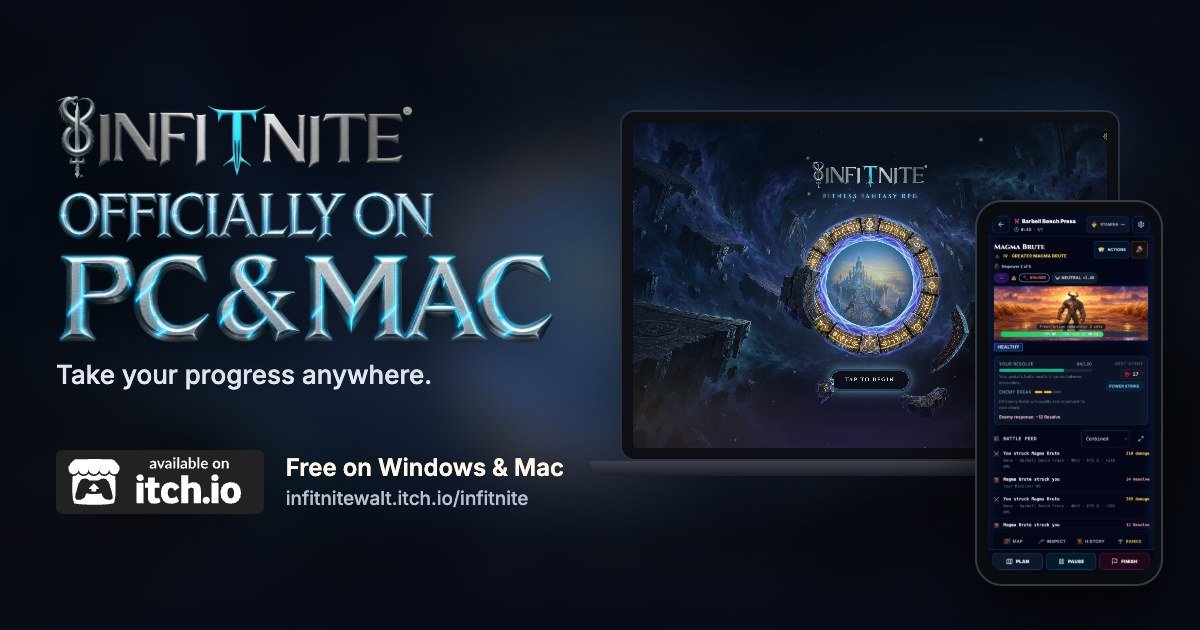
This is a big one. Infitnite is officially on PC and Mac!
You can now download Infitnite for free on Windows and Mac through itch.io. It's the same game and the same account, so the Warrior you've been building on your phone comes with you to your computer, and back again.
Take your progress anywhere
This is the part I'm most excited about.
Your Warrior isn't tied to one device anymore. Log your workout on your phone at the gym, then check your stats on your computer when you get home. Plan your meals at your desk at work, and pick it back up from the couch on your phone later that night.
Whether you're at your desk at work, on your PC at home, on your laptop, or on the couch with your phone, you can get into Infitnite wherever you want. And your progress comes with you.
That matters to me because Infitnite is built around your whole day: your training, your nutrition, your learning and your community, all growing one Warrior. You should be able to manage all of it whenever and wherever it fits, not only when your phone is in your hand.
It also means Infitnite can reach a lot more players, and that's huge for all of us.
What's itch.io?
If itch.io isn't familiar to you, it's an open marketplace for independent creators, with a focus on indie video games. Developers publish their games there, and players download them straight to their computers.
You don't need an itch.io account to download Infitnite. You just go to our page and grab the version for your computer.
How to get it
Download the version for your computer: Windows (64-bit), Windows on ARM, or macOS (Intel and Apple silicon).
Open the download and install Infitnite.
Sign in with the same Apple or Google account you use on your phone. Your Warrior's right there.
Playing as a guest on your phone? Link your account to Apple or Google in the app first, then sign in with that same account on your computer.
If Windows shows a "Windows protected your PC" message, choose More info, then Run anyway. The app is signed by Infitnite LLC, and that message goes away as more people install it.
Get it from the Microsoft Store
On a Windows PC, there's a second way to get Infitnite now: it's live on the Microsoft Store!
If you like installing from the store that already comes with Windows, that's now an option. Open the Microsoft Store app, search Infitnite, and select Get. Windows installs it for you, and the Store keeps it up to date on its own.
It's free, and it works on regular Windows PCs and Arm-based ones. Once it's installed, use the Apple or Google login from your phone, and you'll land right back with your Warrior.
Here's the Store page: apps.microsoft.com/detail/9n5x9bt9dmwp
Already installed Infitnite from itch.io? No need to switch. Both are the one Infitnite, and they share your login.
Tell me how it runs
If you try it on your computer, let me know how it runs on your setup in the Warrior Circle, the forum inside the game.
Download it, sign in, and pick up right where you left off: infitnitewalt.itch.io/infitnite
